Remote desktop for iPad Pro + Magic Keyboard
Your Mac, at 120 fps, on the iPad Pro.
Mimac turns an iPad Pro and Magic Keyboard into the best display and input device a Mac mini or Mac Studio can have. Native resolution, no HDMI dummy plug. Real trackpad gestures. Apple Pencil markup. Lossless audio, and its camera as your Mac's webcam. No account, no relay servers, no subscription.
Free while we launch · Yours to keep · No subscription
Built for iPad Pro and Magic Keyboard
Nothing in the way.
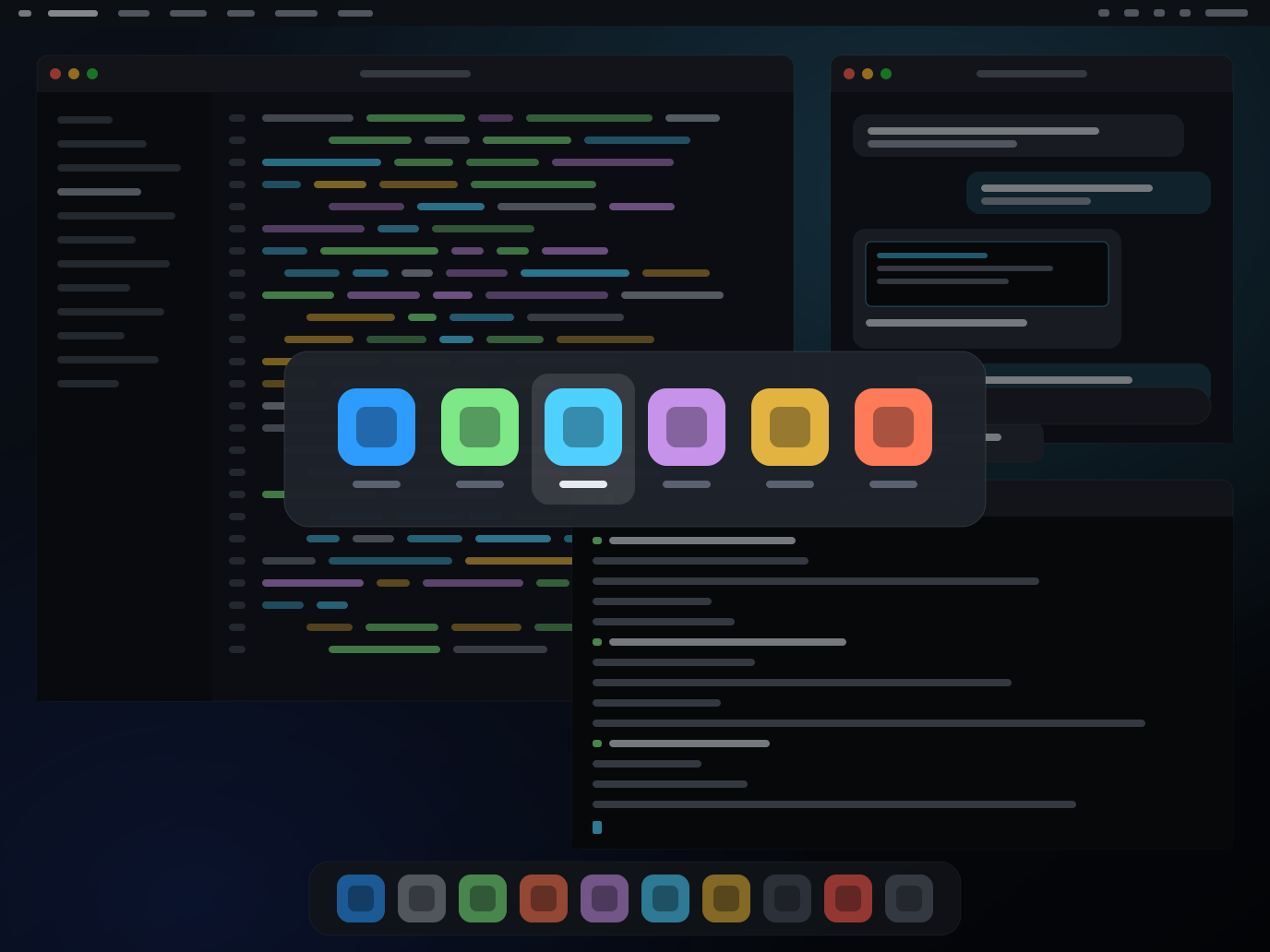
No on-screen buttons, toolbars or floating controls. Every pixel is your Mac. Mimac's own controls live where iPadOS keeps them: in the menu bar.
- Option+Tab is your Mac's app switcher. Rendered on the iPad with the Mac's live app list and icons, so it appears instantly. Command+Tab stays iPadOS's.
- Every keyboard shortcut reaches the Mac, including the ones iPadOS normally keeps for itself. Command+Space, Command+Q, Control+arrows: they all do what they do at your desk.
- Menus in the iPadOS menu bar. Connect, disconnect, tuning and diagnostics are one glance away and never cover your work.
Feels like a MacBook
Gestures that behave.
Two-finger scrolling with real momentum. Pinch to zoom in Figma, Photoshop and Maps, delivered to macOS as genuine magnify gestures rather than fake keystrokes. Pointer precision, click, drag, right-click.
- Scroll phases and momentum tuned against a MacBook trackpad, so flicks coast and stop the way you expect.
- Pinch is a real magnify event, so apps that zoom on a MacBook zoom here. If a macOS update ever changes that, a Control+scroll fallback is one switch away.
- A cursor that looks right. The Mac's own cursor artwork, at the right size, at 120 Hz.
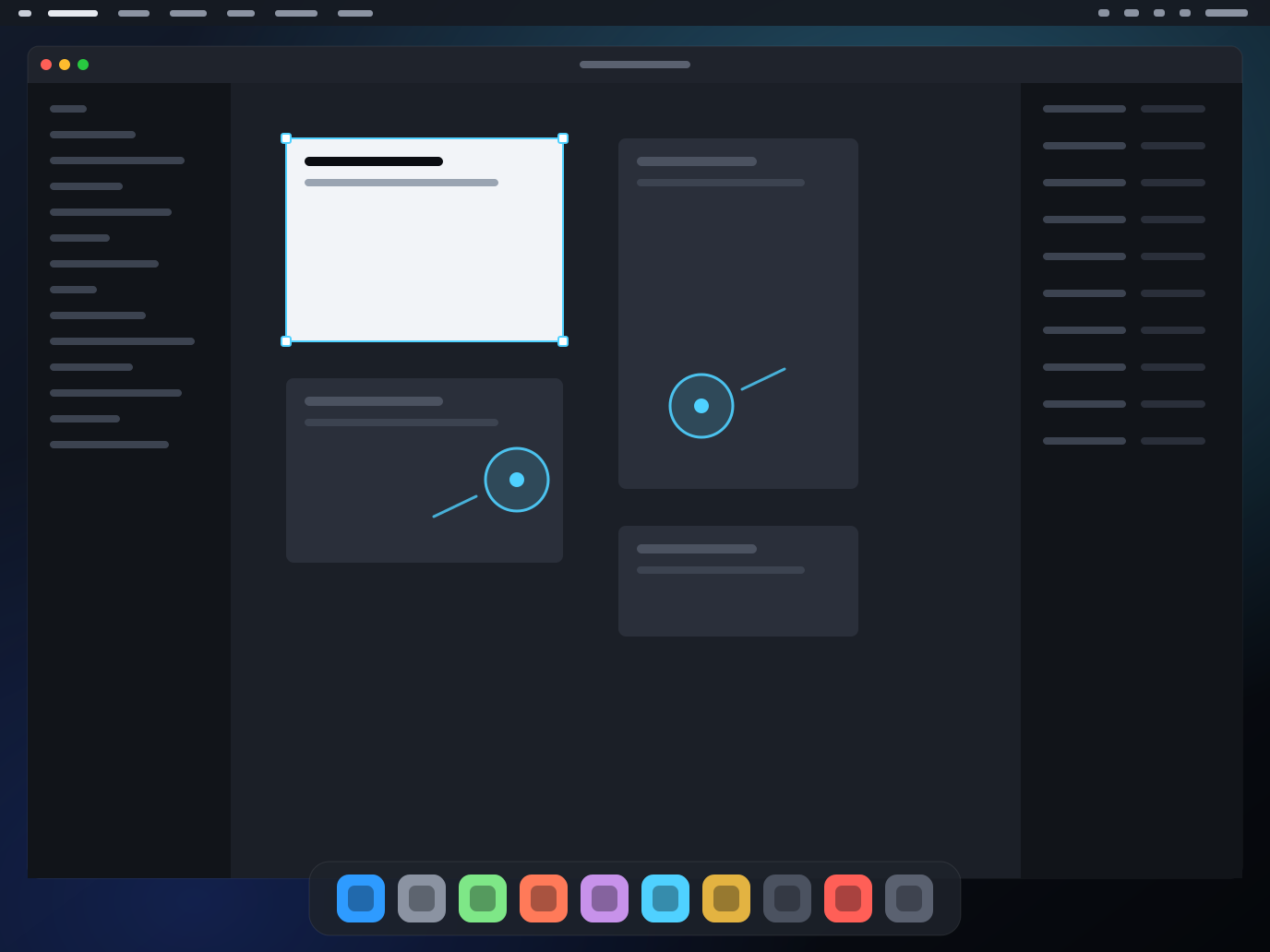
Clips are captured at 60 fps by iPadOS. Mimac runs at 120.
Apple Pencil
Mark up your Mac's screen.
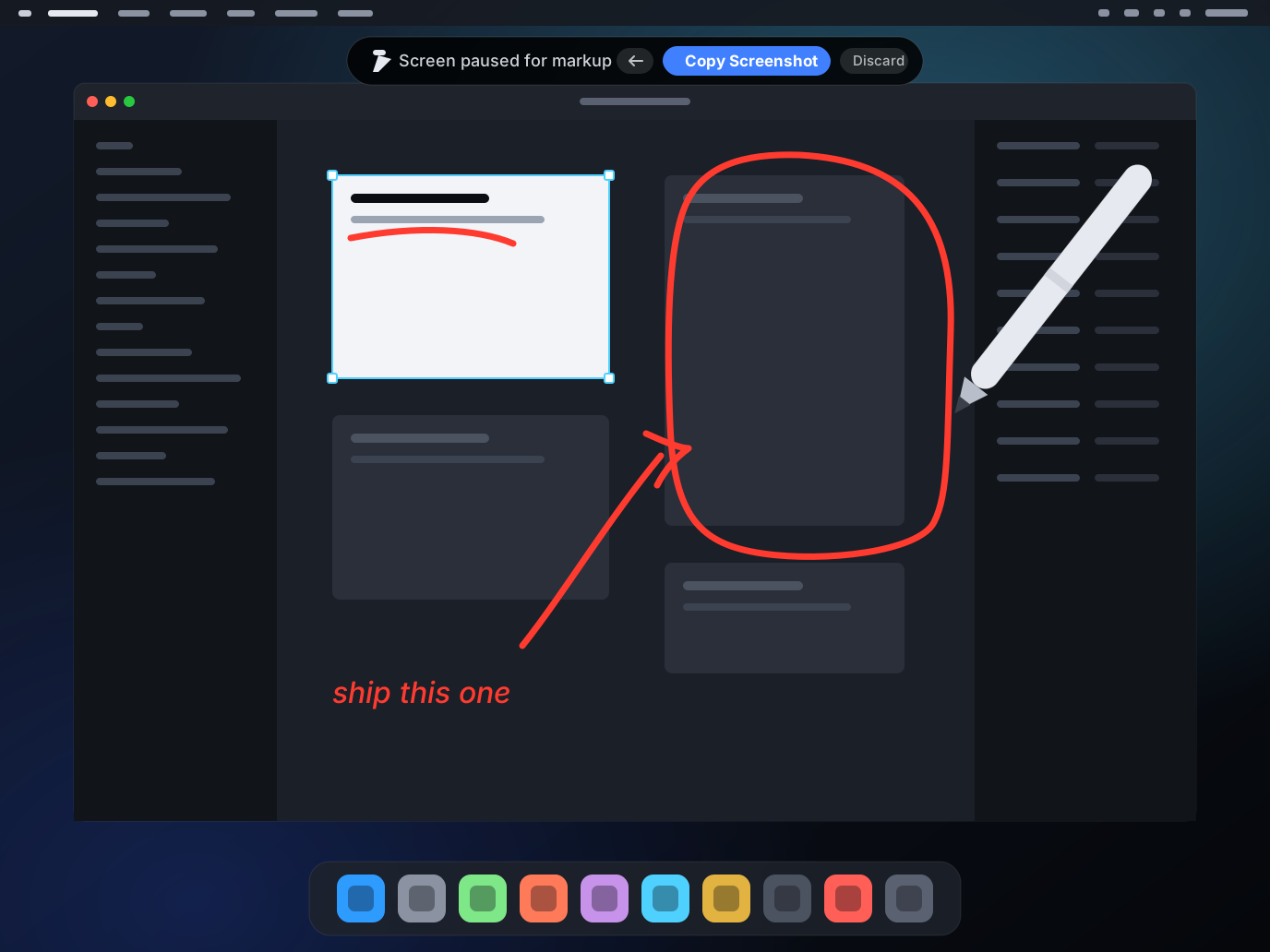
Put the Pencil on the glass and the picture pauses under your ink. Circle the bug, arrow the button, write the note. One tap copies the whole thing as an annotated screenshot, on the iPad's clipboard and the Mac's at the same moment.
- The screen holds still while you draw. Ink on a moving screen stops meaning anything a second later, so the frame you drew on is the frame you keep.
- One tap, both clipboards. Paste it into a message, a ticket, or straight into the AI assistant running on the Mac.
- Nothing else changes. Only the Pencil draws: fingers, the trackpad and the pointer keep driving the Mac exactly as before, and your palm can rest on the glass.
- Pen, highlighter, eraser, undo. The iPadOS markup tools you already know, over a live Mac desktop.
Pixel-perfect, 120 fps
The iPad Pro is the best display your Mac mini never had.
Mimac creates a virtual display on your Mac at your iPad's exact native resolution: 2752×2064 on the 13-inch iPad Pro, 2420×1668 on the 11-inch. Your Mac renders for your iPad, pixel for pixel. No scaling, no soft text. Nothing is plugged into the Mac to make that happen: no HDMI dummy plug, and no generic 1080p stand-in display.
120 fps, end to end
Capture, encode, decode and display are all pinned to 120. On your local network, motion on the iPad matches motion on the Mac. Over the internet it depends on your connection.
Text as sharp as the desk
Because the Mac draws at your iPad's resolution, there is no resampling step. Menus, code and type look the way they do on a Studio Display.
Thirty tuning controls
Bitrate, scroll momentum, pinch delivery, prediction and more, all adjustable in the app. The defaults are tuned for a Mac mini on Wi-Fi 6; the rest is yours.
Two desktops, one Mac
Plug a monitor into the iPad and your Mac spreads across both.
The monitor does not mirror the iPad. It is a second Mac desktop with its own resolution and shape, and it shows up in System Settings as its own display. Drag a window off the edge of the iPad screen and it keeps going onto the monitor.
Both screens are live
Each one gets its own capture, encoder and frame queue over the same encrypted connection. Ultrawide, portrait, Retina or not: the Mac desktop takes the shape of the screen it lands on instead of being letterboxed into the iPad's.
Drag across the seam
Tell Mimac whether the monitor sits left, right, above or below and the pointer crosses at the right edge. A drag that starts on one desktop finishes on the other without letting go of what it is holding. Control‑Shift‑M throws the front window across without touching the mouse.
Or pick a different Mac screen
If your Mac already drives monitors of its own, Control‑Shift‑D lists them alongside the iPad-sized virtual one and puts whichever you choose on the iPad. Your windows stay where you left them.
One monitor on the iPad, in any of the four positions. Mimac does not yet work out the arrangement for you, and it does not remember a layout between sessions.
Sound, voice and camera
Your audio, your voice, your camera.
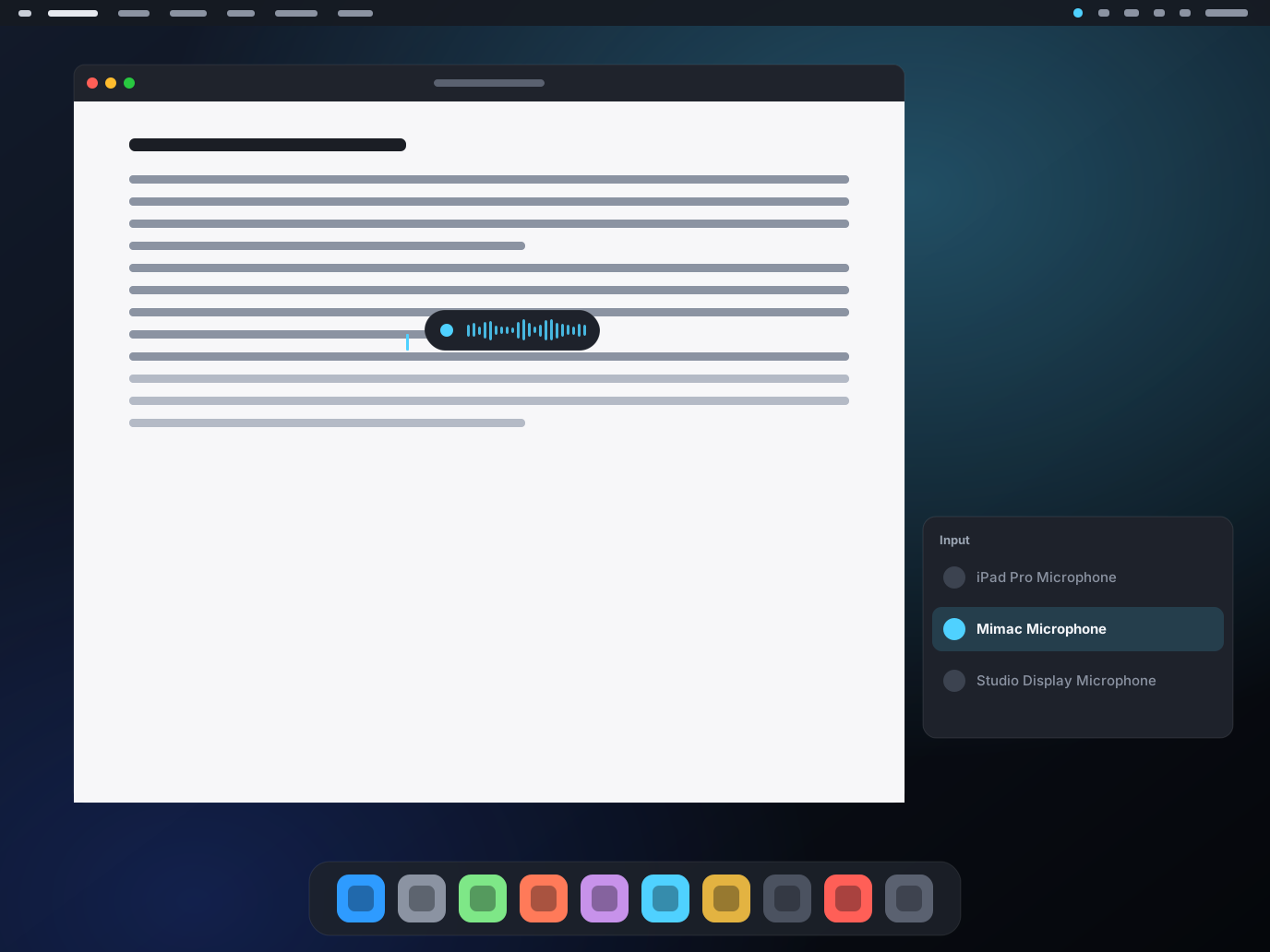
Mimac streams your Mac's audio as 48 kHz PCM, uncompressed. In the other direction, your iPad's microphone appears on the Mac as an input device called Mimac Microphone, and its front camera appears as a webcam called Mimac Camera.
- The iPad's camera becomes the Mac's webcam. FaceTime, Zoom, Meet and Safari pick it up like any other camera, at 1080p and 30 fps. Useful on a Mac mini or Mac Studio, which has no camera at all. It opens only while a Mac app is using it, and Mimac needs to be on screen on the iPad.
- Dictation apps just work. Wispr Flow, OpenWhispr and macOS dictation hear you exactly as they do at your desk, because they see a real microphone.
- The Magic Keyboard's dictation key works too. With a hardware keyboard attached, what you say arrives on the Mac as typed text.
- Optional, and honest about it. Mimac Microphone is an audio driver, installed only if you tick it in the Mac installer. Skip it and everything else still works.
Made for headless Mac minis and agent boxes
The Mac in the closet, finally usable.
A Mac mini running Claude Code, Cursor or a build farm does not need a monitor. It needs a way to check in that feels like sitting down at it.
- Starts before login. Reboot the Mac remotely and Mimac Connect is waiting at the login window. Optional component; needs FileVault off or a Mac that reaches the login window unattended.
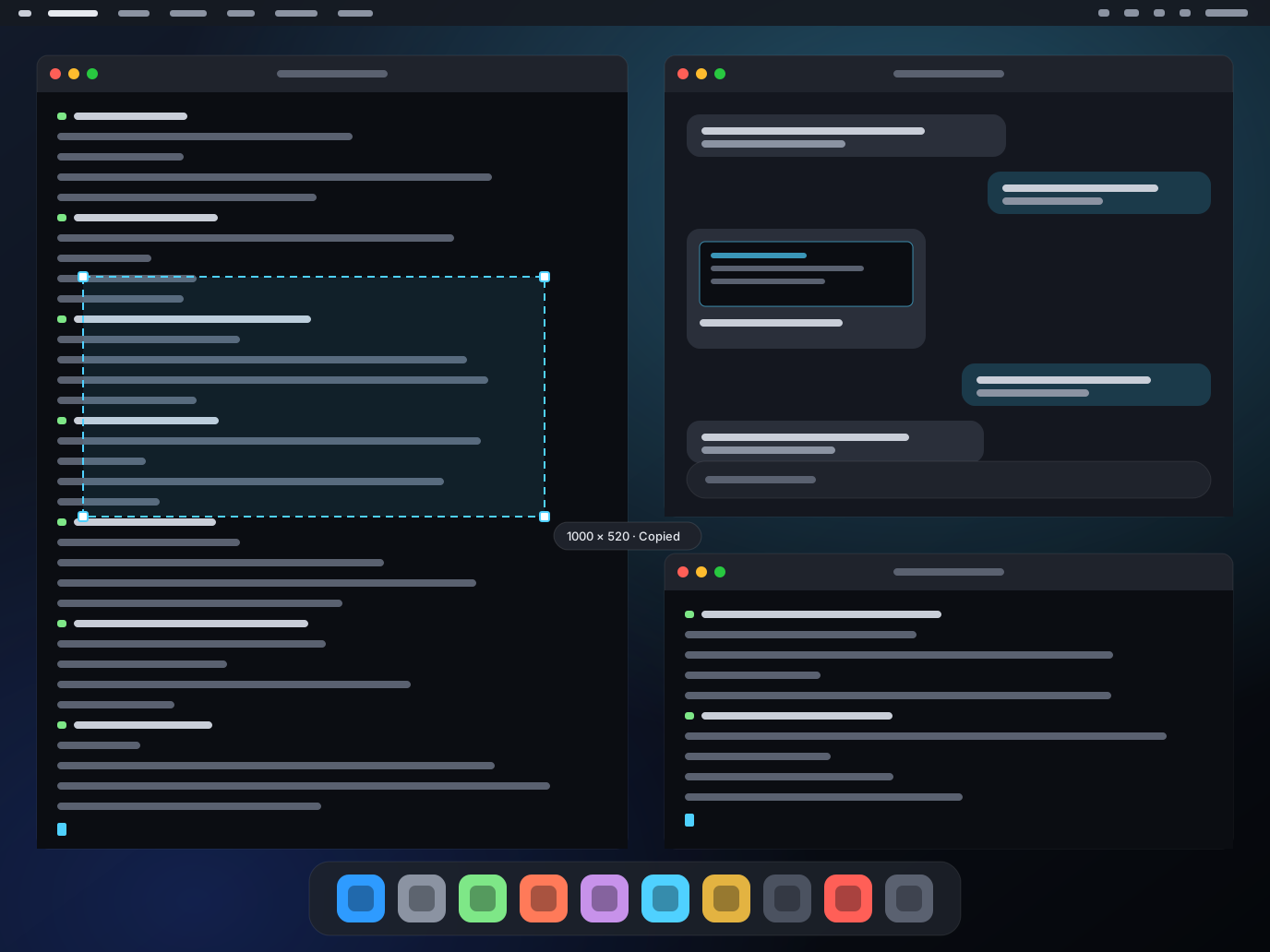
- Screenshot to the Mac's clipboard. Drag a rectangle on the glass and it lands on your Mac's clipboard, ready to paste into Claude, Cursor or ChatGPT. Double-tap for a quick snapshot of an area.
- Instant resume. Switch to another iPad app and back, and you are reconnected without a reconnect dance. Wi-Fi blips are absorbed, not surfaced.
- No HDMI dummy plug. A headless Mac usually needs one before it will behave as though a monitor is attached. Mimac Connect creates the display in software, at your iPad's exact size and aspect ratio, so the HDMI port stays empty.
Away from home
No relay. Just your Mac.
Mimac has no servers. Your Mac works out every way it can be reached and hands that list to your paired iPads: the local network, its own name, an IPv6 address, a port it asks your router to open. Every connection tries them together and uses whichever answers first. Nothing to type, nothing to forward by hand.
- Nothing to set up. Your Mac keeps that list current on its own, so the iPad finds it at home, at a friend's place or on hotel Wi-Fi without you changing a setting. Some networks refuse direct connections, mostly mobile hotspots and routers with port mapping turned off, and there is a way around that.
- Encrypted on every path. Pairing is a one-time six-digit code shown on the Mac. Keys stay in the Keychain on both devices.
- Frame rate on the road depends on your connection. Mimac measures the link and walks bitrate, frame rate and error correction down to whatever it can actually carry, backing off fast on packet loss and recovering slowly. Your settings are the ceiling, not the target. 120 fps is a local-network figure. We say so.
- Battery saver for the long haul. Turn it on and a session left idle drops to a few frames a second instead of full rate. A video or a progress bar still moves, just cheaply, and any touch restores full rate at once. Off by default, and a pill says so whenever it is working, because a screen that quietly stops being live is worse than one that costs battery.
How it compares
Modern, one-time, iPad-Pro-native. Nobody else sells that.
The incumbent has not been updated in years. The modern challenger is a subscription. Here is the honest table. Click a row to keep it highlighted.
| Feature | Mimac | Workbench | Jump Desktop | Screens 5 | Splashtop | Luna Display |
|---|---|---|---|---|---|---|
| Native-resolution rendering | Yes, your iPad's exact resolution | Not stated | 1080p virtual display | Mirrors the Mac's display | Mirrors the Mac's display | Not stated |
| Frame rate | 120 fps on LAN | Not stated | 60 fps (Fluid) | VNC | Not stated | Not stated |
| Real macOS pinch and momentum | Yes, native magnify events | Zoom and pan | Basic; pinch is not native magnify | Basic | Basic | Direct touch on a display |
| No on-screen chrome | Yes, controls in the iPadOS menu bar | Not verified | Not verified | Not verified | Not verified | Not verified |
| Lossless audio | Yes, 48 kHz PCM | Audio, codec not stated | 64 kbps compressed | No audio | Audio, codec not stated | n/a |
| Mic passthrough for dictation apps | Yes, Mimac Microphone | Built-in speech-to-text | — | — | — | — |
| iPad camera as a Mac webcam | Yes, Mimac Camera, 1080p30 | — | — | — | — | n/a |
| Screenshot to Mac clipboard | Yes, drag or double-tap | — | — | — | — | — |
| Apple Pencil markup on the screen | Yes, ink freezes the frame; one tap copies the annotated shot | Not verified | Not verified | Not verified | Not verified | Direct touch on a display |
| Headless Mac, no monitor | Yes, no dummy plug; can start before login | Yes | Own 1080p virtual display | Needs a display or dummy plug | No | Yes (Headless Mode) |
| Account or vendor relay | None. Direct on LAN and over the internet | Vendor relay, 11 regions | Vendor relay; Gmail-based setup | Screens Connect relay | Vendor relay | Same network |
| Pricing model | Free at launch, then $49.99 once | $14.99/mo or $79.99/yr | $14.99 once | $29.99/yr or $179.99 lifetime | Free on LAN; $23.99/yr remote | $89.99 hardware, once |
| Last iPad app update | New for 2026 | Aug 19, 2026 | Oct 30, 2023 | Jul 30, 2026 | Jul 21, 2026 | Jun 9, 2026 |
Prices and facts as of September 1, 2026, from each vendor's App Store listing and website. "Not stated" means the vendor does not publish it; "not verified" means we have not checked it ourselves; "—" means not offered as far as we can tell. Mimac's 120 fps figure is on a local network. Full comparisons: Workbench, Jump Desktop, Screens 5, Splashtop, Luna Display.
Pricing
Free while we launch.
Download Mimac during the launch window and it stays unlocked for good, at no cost. After the window it becomes a one-time purchase, and your copy is unaffected.
Free
For the launch window. Nothing to buy, nothing to enter, no account.
Afterwards: $49.99 once, for people who arrive later- Download now and it is yours. Not a trial. The App Store records which version you first downloaded, and Mimac unlocks itself for good on that basis.
- Family Sharing. One purchase covers everyone in your family group.
- Mimac Connect for Mac is free. Install it on as many Macs as you like.
- Refunds through Apple. Purchases and receipts are handled by the App Store.
Details on the pricing page.
Questions
The honest FAQ.
What do I need to run Mimac?
An iPad with an M-series chip (iPad Pro recommended) running iPadOS 26 or later, a trackpad and keyboard such as the Magic Keyboard, and a Mac with Apple silicon running macOS 15 or later with the free Mimac Connect app installed. Intel Macs are not supported.
Do I need an HDMI dummy plug?
No. Mimac Connect creates a display on the Mac in software, at your iPad's exact resolution and aspect ratio, so nothing goes in the HDMI port. If you already have a dummy plug from an earlier setup, remove it: it gives the Mac a second, differently sized display that only gets in the way.
Can I use an Apple Pencil?
Yes, for markup. Draw anywhere on your Mac's screen and Mimac pauses the picture under your ink; a button appears, and one tap copies the annotated screenshot to the iPad's clipboard and the Mac's. Fingers, the trackpad and the pointer are unaffected, so only the Pencil draws. Note what this is not: Mimac does not send pressure-sensitive pen strokes into Mac apps, so it is not a drawing-tablet replacement for Photoshop or Procreate. The markup lives on the iPad's copy of the screen, and what you copy is a picture.
Does Mimac work away from home?
Yes. Your Mac works out every route to itself, including a port it asks your router to open, and hands that list to your paired iPads. Each connection tries them and uses whichever answers first, with no relay of ours in the middle. Some networks refuse direct connections, mostly mobile hotspots and routers with port mapping turned off. Here is the way around that.
Can Mac apps use the iPad's camera?
Yes. Mimac Connect includes a camera extension, so your iPad's front camera appears on the Mac as a webcam called Mimac Camera at 1080p and 30 fps. FaceTime, Zoom, Google Meet and Safari treat it as any other camera, which is handy on a Mac mini or Mac Studio that has none of its own. macOS asks you to allow the extension the first time. Two things to know: the camera opens only while a Mac app is using it, and Mimac has to be on screen on the iPad, since iPadOS will not hand the camera to an app in the background.
Can Mimac start before I log in to the Mac?
Yes, if you install the optional "Start before login" component of Mimac Connect. It needs FileVault turned off, or a Mac that reaches the login window unattended. A FileVault-protected Mac stops at the pre-boot unlock screen, which no remote desktop app can reach.
Does Mimac work with Intel Macs?
No. Mimac Connect requires a Mac with Apple silicon (M1 or later) because it relies on the low-latency HEVC encoder in those chips.
Is there an iPhone or Vision Pro app?
Not at launch. Mimac is built for iPad Pro with a trackpad and keyboard. iPhone and Vision Pro are not supported yet.
Does Mimac support multiple monitors?
Yes. Plug a monitor into the iPad over USB-C and Mimac can put a second Mac desktop on it, at that monitor's own resolution and shape, next to the one on the iPad. Both are live at the same time and windows drag between them. You can also switch the iPad between monitors already attached to the Mac. One iPad-connected monitor, in any of the four positions.
Mimac is free right now. What is the catch?
There is none, and it is not a trial. Mimac is free during its launch window, and every copy downloaded in that window stays unlocked permanently. The App Store tells the app which version you first downloaded, which is how it knows to keep yours unlocked. When the window closes Mimac becomes a one-time $49.99 purchase for people arriving after it. Nothing about your copy changes.
How do refunds work?
Nothing is charged during the launch window, so there is nothing to refund. Once Mimac is a paid app, purchases are handled by Apple and refunds go through Apple's Report a Problem page.
What does Mimac collect?
Nothing. There are no accounts, no servers and no analytics. Video, audio, clipboard and input travel only between your own devices, end-to-end encrypted. Read the privacy policy.