Mimac/Press
Press kit
Everything you need to write about Mimac: logo files, the icon, descriptions at two lengths, key facts, and the story of how it was built. Use the assets freely in coverage of Mimac. Questions to hello@mimac.ai.
Descriptions
One sentence
Mimac is a remote desktop app that turns an iPad Pro and Magic Keyboard into the display and input device for a Mac mini or Mac Studio, at the iPad's native resolution and 120 fps, with no HDMI dummy plug on the Mac, and can put a second Mac desktop on a monitor plugged into the iPad.
One paragraph
Mimac turns an iPad Pro and Magic Keyboard into the best display and input device a Mac mini or Mac Studio can have. The Mac renders a virtual display at the iPad's exact native resolution, 2752×2064 on the 13-inch iPad Pro, and streams it at 120 fps on a local network. No HDMI dummy plug is needed: the display is created in software, shaped exactly like the iPad. Trackpad gestures reach macOS as genuine scroll and magnify events, every keyboard shortcut goes to the Mac, audio is lossless in both directions, and the iPad's microphone and front camera appear on the Mac as a real input device and a real webcam, so dictation apps and FaceTime, Zoom, Google Meet or Safari work unchanged. The camera matters most on a Mac mini or Mac Studio, which has none of its own. A monitor plugged into the iPad over USB-C becomes a second Mac desktop at that monitor's own resolution and shape, live at the same time as the one on the iPad, with windows dragging between the two. Built for headless Macs, Mimac can start before login, puts a dragged rectangle on the Mac's clipboard for pasting into AI assistants, and resumes instantly. There are no accounts, no relay servers and no analytics; video travels only between the user's own devices, end-to-end encrypted, and away from home over a direct route the Mac publishes to its paired iPads, including a port it asks the router to open. Mimac is free during its launch window, and every copy downloaded in that window stays unlocked permanently; afterwards it is a one-time $49.99 purchase, with every future update included.
Key facts
| Name | Mimac (iPad app). Mimac Connect (free Mac host app). |
|---|---|
| Category | Remote desktop, utilities. |
| Platforms | iPad with an M-series chip, iPadOS 26 or later. Mac with Apple silicon, macOS 15 or later. |
| Price | Free during the launch window, and every copy downloaded then stays unlocked permanently. A one-time $49.99 in-app purchase afterwards. Family Sharing. Mac app free. |
| Release | 2026. App Store, worldwide. |
| Developer | Alo Stories Inc., San Francisco, California. Founded by Justin Ponczek. |
| Website | mimac.ai |
| Contact | hello@mimac.ai |
The build story
Mimac began as a written specification, not a prototype. Justin Ponczek, who works on his Mac mini remotely from an iPad Pro every day, wrote down what a remote desktop would have to do to feel like sitting at the machine: the exact-resolution virtual display, 120 Hz end to end, real trackpad semantics, lossless audio, a microphone on the Mac, screenshots that land where an AI assistant can use them. Then he built it, end to end, with Claude.
Every part of Mimac, the macOS host with its virtual display driver, HEVC pipeline and audio driver, the iPad client with its Metal presentation and keyboard capture, the wire protocol with its loss recovery, was engineered in collaboration with Claude in Claude Code, working from that specification, with Justin directing the work, testing on real hardware, and making the product decisions. The result is a product with one developer that would ordinarily take a small team, and a development process that other solo developers can copy: specify first, build with an AI collaborator, verify on hardware, ship.
It is a launch story, not a product claim. Mimac is judged by how it feels at 120 fps, and that is on the user's iPad, not in a press kit.
Latency
Measured latency chart: coming. Mimac's glass-to-glass latency is being measured with a 240 fps camera against the leading incumbent on the same network, and the chart with its method will be published here. Until then Mimac makes no latency claim in milliseconds; we would rather publish a number we can defend than an adjective.
Logo and icon


The mark is a single bold M in electric cyan on near-black. Please keep the proportions, do not recolour it, and give it room. Colours:
- #4FD1FF accent
- #0B0D12 background
- #11141B tile
- #F2F4F8 text
Downloads
- Logo, mark and wordmark (SVG)vector, uses the system font for the wordmark
- Mark only (SVG)vector
- App icon, 1024×1024 (PNG)124 KB
- App icon, 512×512 (PNG)56 KB
- Wordmark for dark backgrounds (PNG, transparent)671×200
- Wordmark for light backgrounds (PNG, transparent)671×200
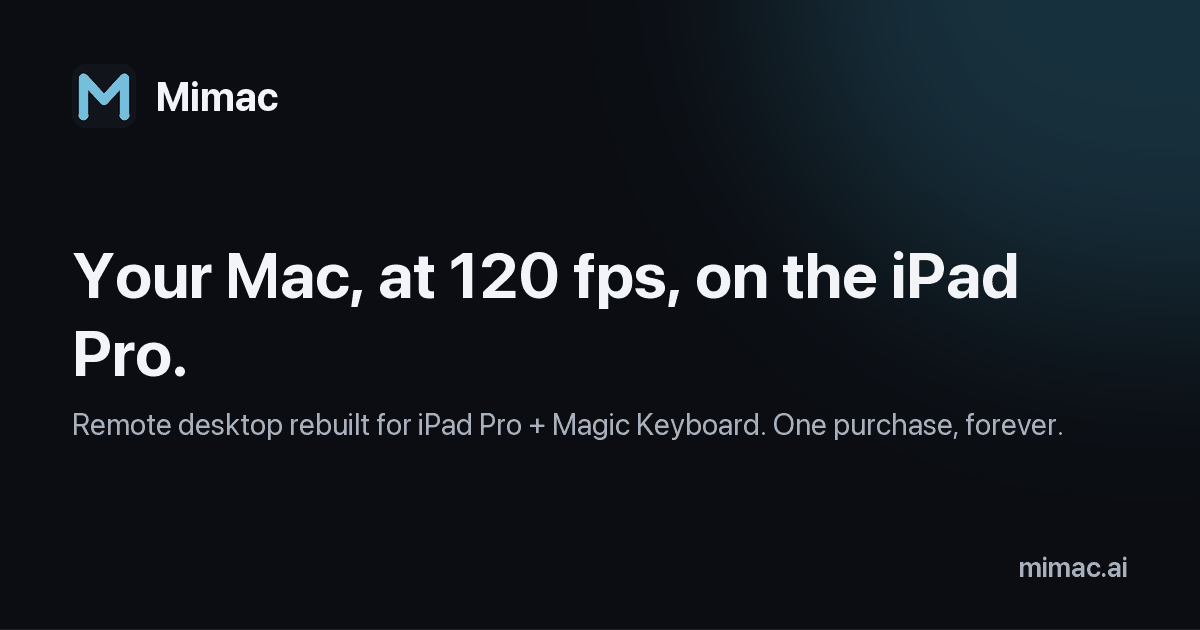
- Social card, 1200×630 (PNG)26 KB




Screenshots and video clips captured on a real iPad Pro will be added here at launch.